
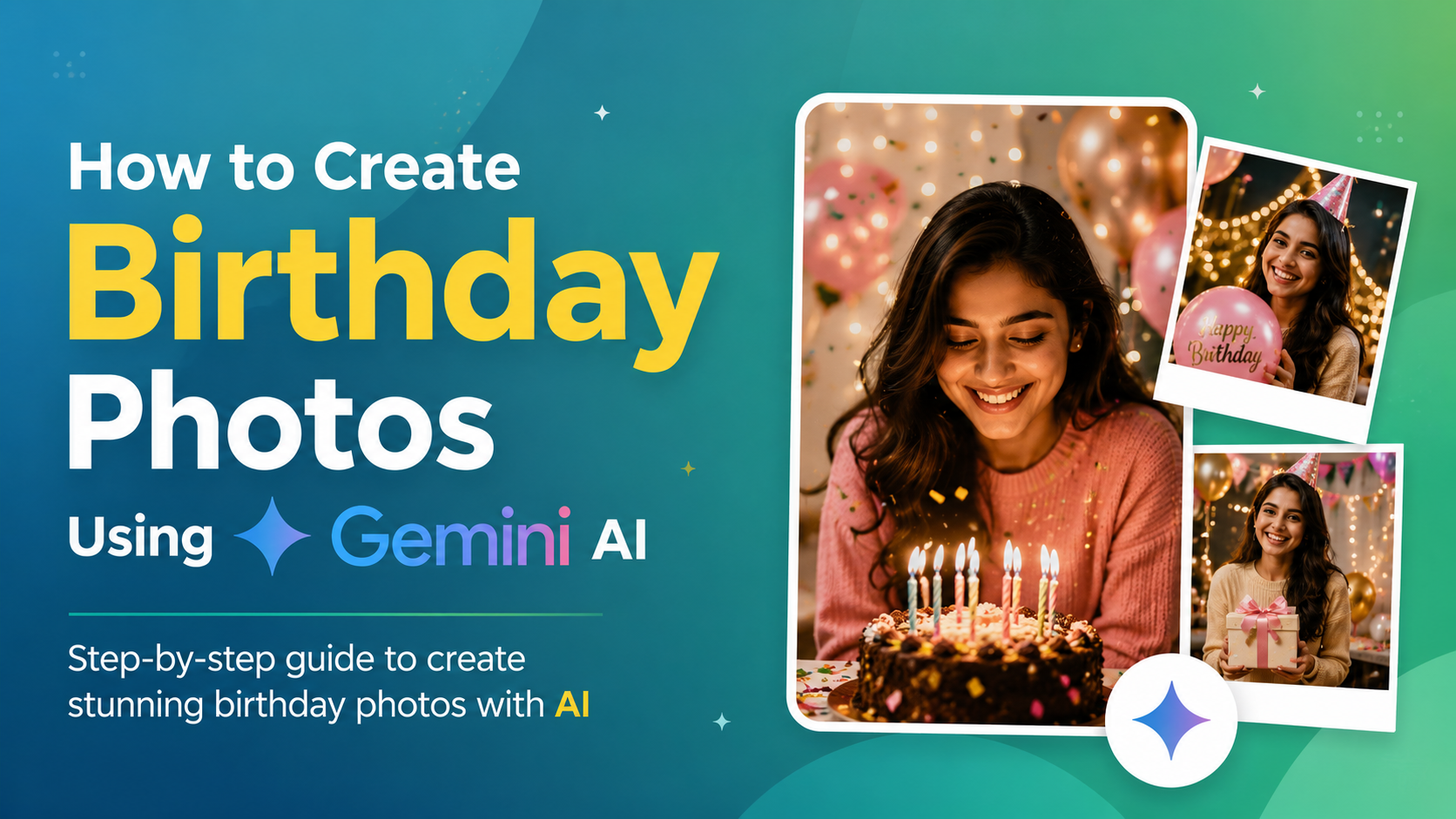
Birthdays are all about happiness, celebration, and unforgettable memories. But not everyone can arrange a professional photoshoot every year. Thanks to Artificial Intelligence, you can now create stunning, realistic, and stylish birthday photos within seconds using Gemini AI prompts.
Whether you want a luxury birthday look, a dreamy aesthetic portrait, or a fun cake-cutting scene, Gemini AI can help you generate beautiful images without a camera or studio setup.
✨ What is Gemini AI?
Google’s Gemini AI is an advanced Artificial Intelligence tool that can generate images based on text descriptions called prompts.
You simply describe the image you want, and the AI creates it for you.
Example:
If you type:
“birthday cake cutting with balloons and confetti”
the AI will generate a realistic birthday-themed image matching your description.
🎂 Why Use Gemini AI for Birthday Photos?
Here are some major advantages of using AI-generated birthday images:
- 📸 No professional camera required
- ⚡ Generate photos within seconds
- 🎨 Unlimited creative styles and themes
- 👗 Try different outfits and looks instantly
- 🌈 Perfect lighting and aesthetic backgrounds
- 💡 Great for social media posts and invitations
🪄 Step-by-Step Guide to Create AI Birthday Photos
🔹 Step 1: Open an AI Image Generator
Use an AI image generation platform that supports Gemini AI prompts.
Popular AI image tools include:
🔹 Step 2: Write a Detailed Prompt
A prompt is the text instruction you give to the AI.
The more detailed your prompt is, the better the generated image will look.
Include details like:
- Lighting
- Background
- Mood
- Outfit
- Camera quality
- Decorations
🔹 Step 3: Paste the Prompt & Generate
- Copy your favorite birthday prompt
- Paste it into the AI tool
- Click the Generate button
- Wait a few seconds
Your AI birthday image will be ready instantly.
🔹 Step 4: Download & Edit
Download your favorite image and optionally edit it using apps like:
You can add filters, text, stickers, or improve colors for a more personalized look.
📸 Best Gemini AI Birthday Prompts
🎂 Cake Cutting Scene
realistic birthday cake cutting moment, smiling person, balloons, confetti, warm lighting, high detail, DSLR quality
Perfect for realistic birthday celebration photos.
👗 Stylish Birthday Portrait
stylish birthday portrait, elegant outfit, soft lighting, fairy lights background, aesthetic look, high resolution
Ideal for Instagram-style birthday portraits.
🎉 Birthday Party Celebration
birthday party with friends, colorful decorations, balloons, happy mood, realistic expressions, vibrant colors
Best for group celebration scenes and party vibes.
🌸 Dreamy Aesthetic Theme
dreamy birthday photoshoot, pastel colors, flowers, soft sunlight, magical atmosphere, aesthetic style
Great for soft, aesthetic, and feminine birthday themes.
👑 Luxury Birthday Theme
luxury birthday setup, golden decorations, premium cake, elegant lighting, royal look, ultra realistic, 4K
Perfect for premium and royal birthday-style images.
💡 Advanced Prompt Tips for Better Results
To get professional-quality AI photos, include these details in your prompt:
✅ Mention Lighting
Examples:
- soft lighting
- golden hour light
- studio lighting
- cinematic lighting
✅ Add Camera Quality
Examples:
- DSLR quality
- ultra HD
- 4K
- high detail
✅ Describe the Mood
Examples:
- happy
- emotional
- candid
- cinematic
- joyful
✅ Explain the Background
Examples:
- balloons
- fairy lights
- outdoor garden
- luxury room decoration
- pastel backdrop
⚠️ Common Mistakes to Avoid
Avoid these errors while writing prompts:
- ❌ Using very short prompts
- ❌ Not describing the background
- ❌ Ignoring lighting details
- ❌ Adding too many ideas in one prompt
- ❌ Forgetting to mention mood or style
🚀 Pro-Level AI Prompt Tips
Want even better AI birthday images? Try these:
🎈 Mention Age
Example:
- 18th birthday
- 25th birthday celebration
👗 Specify Outfit Style
Examples:
- traditional dress
- western outfit
- party wear
- royal gown
📷 Add Camera Angle
Examples:
- close-up portrait
- wide shot
- side angle
- candid photography
😊 Include Emotions
Examples:
- smiling
- laughing
- emotional moment
- candid expression
🎯 Final Thoughts
AI has completely changed the way we create memories online. With Gemini AI prompts, you can now generate beautiful birthday photos from home without expensive cameras or photographers.
Just write a creative prompt, generate the image, and turn your imagination into stunning birthday memories within seconds.
🎉 AI is now your personal birthday photographer!
Also Read This-Top 10 AI Telegram Bots in 2026: Best Smart Bots for Productivity, Content Creation & Automation
1 thought on “How to Create Birthday Photos Using Gemini AI”